The exact files depend on the projection system and the creative brief. The useful starting point is a package that lets the content team, media server operator, and onsite crew inspect the same version of the work.
Start with the real surface
Before final renders, agree on the reference that defines the canvas: measured drawings, a surveyed model, or a template supplied by the projection team. Label the orientation and the areas that must stay clear. A mask, UV layout, or pixel map can be useful, but only when it matches the playback team's actual setup. Keep the approved reference with the delivered media so a late revision does not get rendered against an older shape.
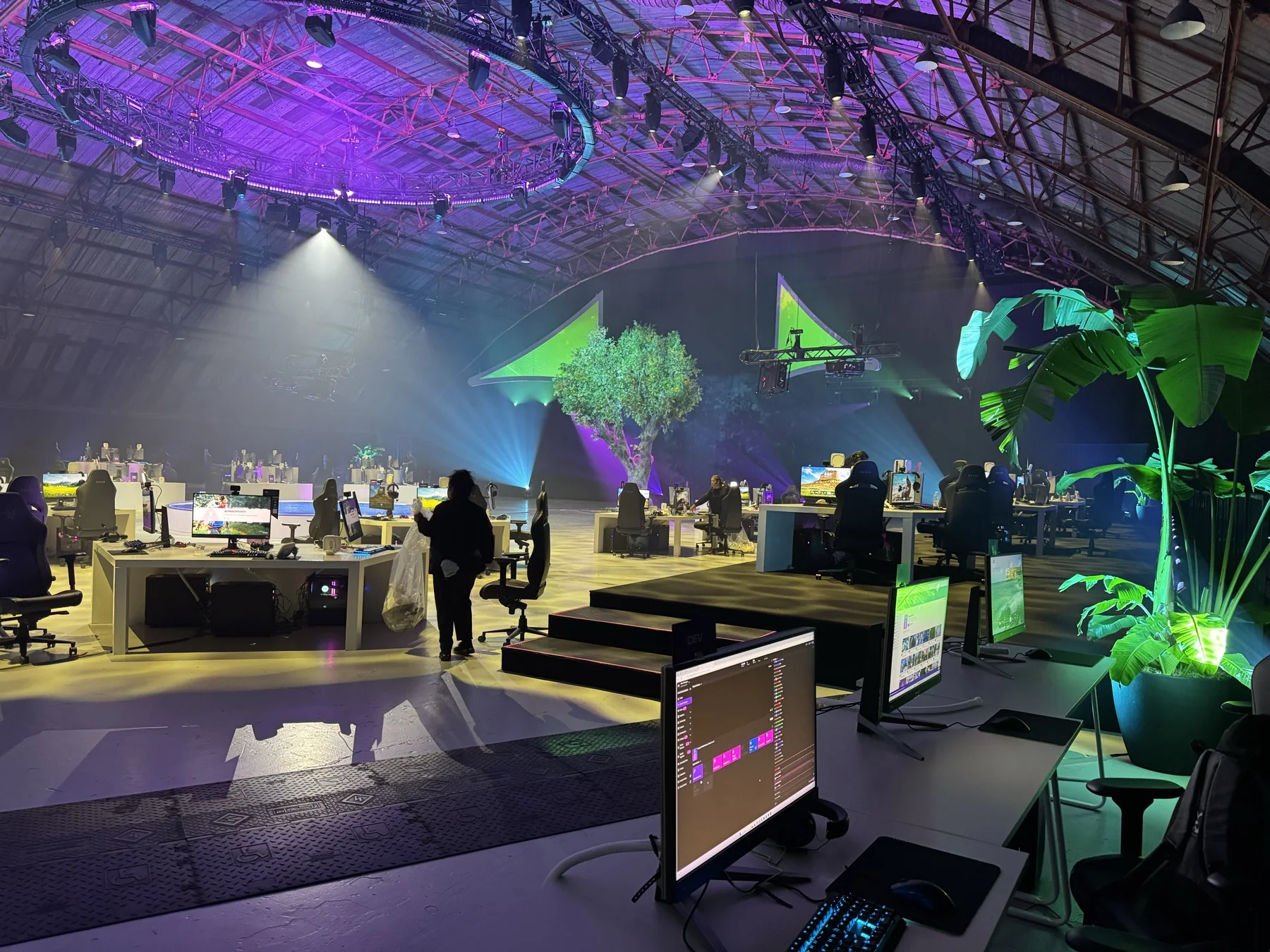
On the Riot Games tree mapping project, the fabricated tree's trunk and canopy were treated as separate projection surfaces. The project case study describes a 3D model and independently controllable surfaces. That is a more useful planning reference than a single rectangular frame because the content had to register to branching geometry and remain readable in a bright broadcast environment.
Define the playback package
Deliver an approved master and a plainly named set of playback files. The handoff should state the canvas dimensions, frame rate, codec or file format, duration, loop behavior, and any alpha or audio requirements agreed with the media server operator. Include a still or low-resolution reference for quick visual checks. If several outputs or surfaces are involved, identify which file goes to each one and keep revisions unmistakable.
Those specifications are decisions to make with the playback team, not universal values. A mapped scenic object, a building facade, and a dome do not share one safe export preset. For a more detailed planning list, see MELT's visual production brief checklist.
Make cues and responsibilities explicit
Write down what starts each piece, whether it loops or holds, and what the operator should see at the end of a cue. Name the person or team responsible for loading files, warping, calibration, content approval, and live changes. This is especially useful when the content studio and projection hardware vendor are different companies.
The Jim Crane Celebrity Classic dome project shows why that distinction matters. MELT's documented role was onsite projection and visual production support with IMRSV-XR and the event AV team. The production schedule assigned Morgan Lavery dome and external projector setup, calibration, LED signal tests, content checks, and run-of-show preparation. The shared archive contains concepts and previsualization, which the case study identifies as planning material rather than footage of the finished event. The handoff had to connect media checks with physical setup and the event program; the case study does not claim MELT solely created all of the archived visuals.
Test before the audience arrives
Plan a playback check on the target system, then a viewing check on the installed surface. Confirm file loading, cue order, image orientation, edge and mask alignment, and whether important details survive the venue's ambient light. Record what the crew can still change onsite and who approves those changes. A studio preview can confirm the design; it cannot replace seeing the image on the physical canvas.
For the production scope behind the media, explore MELT's projection mapping content creation work. If you already have a surface and event date, send the project details so the content and technical responsibilities can be defined together.